
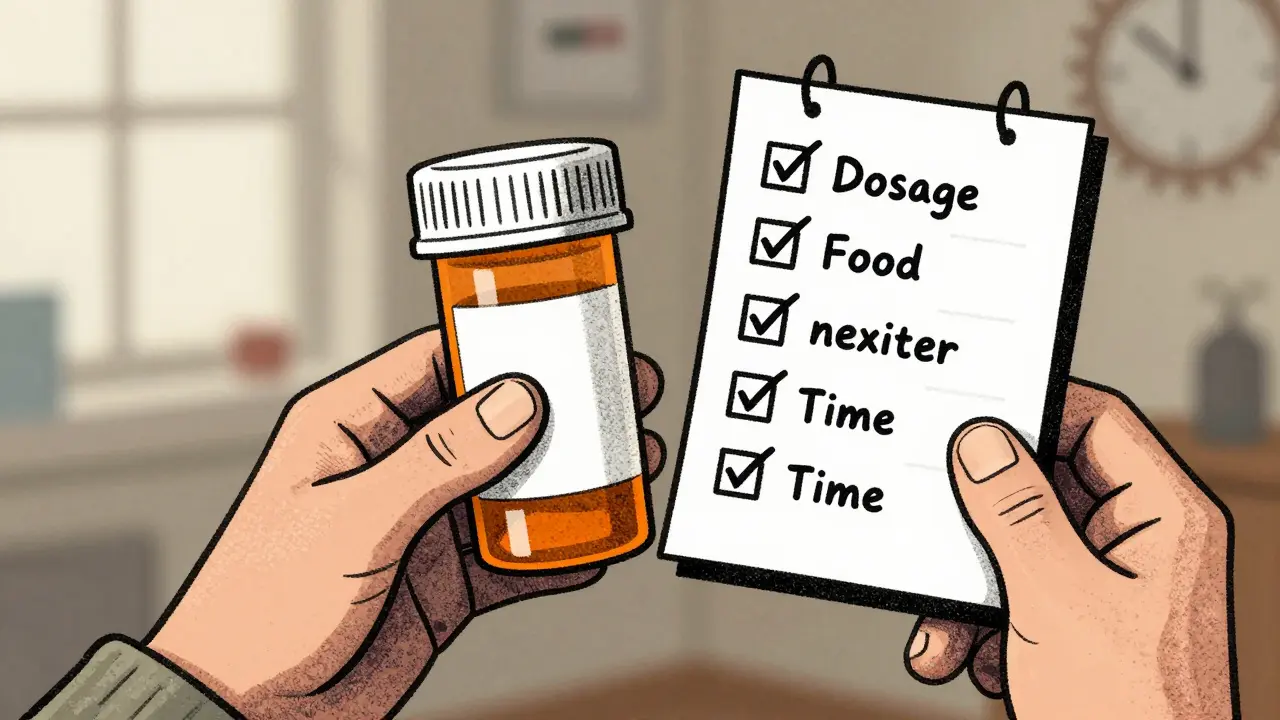
Reading your medication label isn’t just about checking the name of the drug. It’s the key to taking your medicine safely and on time. Too many people set reminders based on simple alarms - ‘take at 8 AM’ - and miss the finer details that could make all the difference. That’s where label information comes in. When you use the exact instructions printed on your prescription bottle to set reminders, you cut down on mistakes, avoid dangerous interactions, and actually stick to your regimen.
What’s Really on Your Medication Label?
Your prescription label doesn’t just say ‘take one pill daily.’ It’s packed with specific, life-saving details. The FDA requires this information to be clear and standardized. Look for these six critical pieces:- Dosage form - Is it a tablet, capsule, liquid, or patch? This affects how and when you take it.
- Active ingredient and strength - For example, ‘Lisinopril 10 mg.’ This tells you exactly what you’re taking and how much.
- Usage instructions - Phrases like ‘take every 8 hours,’ ‘take with food,’ or ‘take on an empty stomach.’ These aren’t suggestions - they’re medical requirements.
- Minimum dose intervals - Some labels say ‘do not take more than once every 6 hours.’ Ignoring this can lead to overdose.
- Drug interaction warnings - ‘Avoid antacids within 2 hours’ or ‘do not consume alcohol.’ These prevent harmful reactions.
- Storage instructions - ‘Refrigerate’ or ‘keep at room temperature’ - affects how the drug works.
Most people miss half of this. If your reminder app only asks for a time, you’re leaving safety on the table.
Why Simple Alarms Fail
A basic alarm app - even one with a nice interface - doesn’t know the difference between ‘take twice daily’ and ‘take every 12 hours.’ That might sound like the same thing, but it’s not. If you take a medication at 8 AM and 8 PM, you’re fine. But if the label says ‘every 12 hours,’ and you take it at 8 AM and 8 PM, you’re still okay. But if you take it at 8 AM and 9 PM? You’ve created a 13-hour gap, then a 11-hour gap. That inconsistency can reduce effectiveness or cause side effects.And what about food? If your label says ‘take on an empty stomach,’ and your reminder just says ‘take at 7 AM,’ but you eat breakfast at 7:15 AM, you’ve already broken the rule. That’s why systems that use label information don’t just set a time - they set conditions.
According to a 2023 NIH analysis, 78.3% of timing-related medication errors happen because reminders ignore label instructions. That’s not a small number. That’s nearly four out of five people making avoidable mistakes.
How Advanced Systems Use Label Data
The best medication reminder apps today - like Medisafe and MyTherapy - don’t just ask you to type in your meds. They let you scan your label. Using optical character recognition (OCR), they read the text off the bottle with 98.7% accuracy, as shown in a 2024 study in npj Digital Medicine. Then, they translate it into smart rules.Here’s how it works:
- You scan the label or manually enter the details.
- The app identifies the active ingredient and strength.
- It converts instructions like ‘take one tablet every 8 hours’ into a schedule with three daily reminders spaced exactly 8 hours apart.
- It checks your other medications in the app and flags interactions - like if you’re taking Warfarin and also taking ibuprofen, it might remind you to space them 2 hours apart.
- It adds context: ‘Take with breakfast’ becomes a reminder that pops up at 7:30 AM, not 8:00 AM, so you have time to eat.
This isn’t science fiction. A 2024 study in the Journal of Medical Systems compared 12 apps and found that those using label data cut timing errors by 63.2%. Meanwhile, apps that ignored label details performed no better than a phone alarm.
Real-World Impact: From Confusion to Confidence
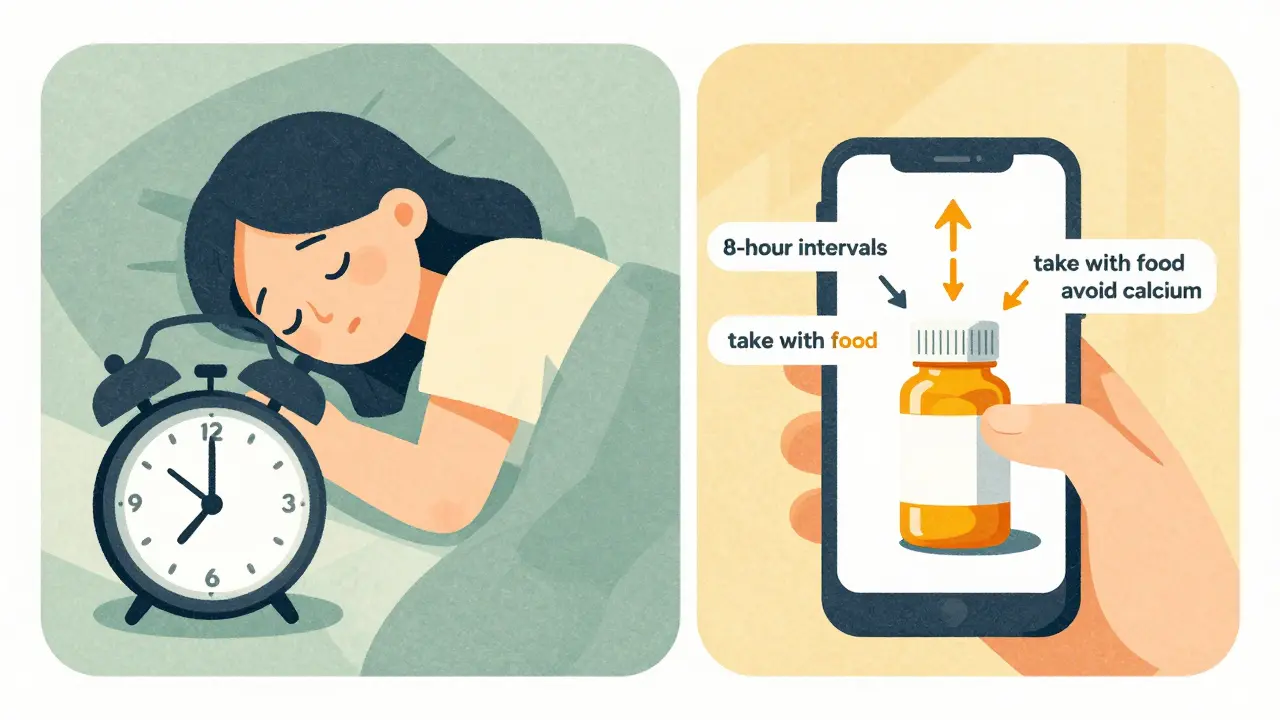
A 2024 survey by AARP found that 76.4% of adults over 65 felt more confident taking their medications when reminders included label-based instructions like ‘take with lunch’ instead of just ‘12:00 PM.’ One user on Reddit shared how their app, after scanning their label, showed them that their blood pressure pill and diabetes pill needed to be taken 3 hours apart - something their doctor mentioned once but they forgot. Now, their reminders show a visual timeline with color-coded blocks for each med. They haven’t missed a dose in 11 months.But it’s not just about remembering. It’s about avoiding danger. The FDA’s Adverse Event Reporting System found that 37.8% of overdoses in people taking multiple medications happened because their reminder system didn’t account for minimum intervals between doses. One man took his heart medication every 6 hours - but didn’t realize his antibiotic needed to be taken 2 hours before it. He ended up in the ER. His app didn’t know because he’d only entered the time, not the label instructions.
What to Look for in a Reminder App
Not all apps are built the same. If you’re choosing one, here’s what to check:- Can you scan or manually enter label details? Look for fields that let you input instructions like ‘take with food’ or ‘do not take with calcium.’
- Does it flag drug interactions? The best apps cross-check your meds against a database of over 150,000 drugs and 500,000 interactions.
- Can it adjust for time gaps? If you take two meds that need a 4-hour gap, does it space them out correctly - or just pile them into one block?
- Does it use standardized terminology? Apps using RxNorm or SNOMED CT codes (standard medical vocabularies) are more reliable.
- Can a pharmacist review your schedule? Some systems, like those used by Epic’s MyChart, let your pharmacist double-check the automated schedule.
Apps like Medisafe (used by over 2.5 million people) and MyTherapy are top performers. But even if you’re not using an app, you can still do this manually. Write down your label instructions on a sticky note and keep it next to your pillbox. Or set a note in your phone with the exact wording from the label.
The Bigger Picture: Why This Matters Now
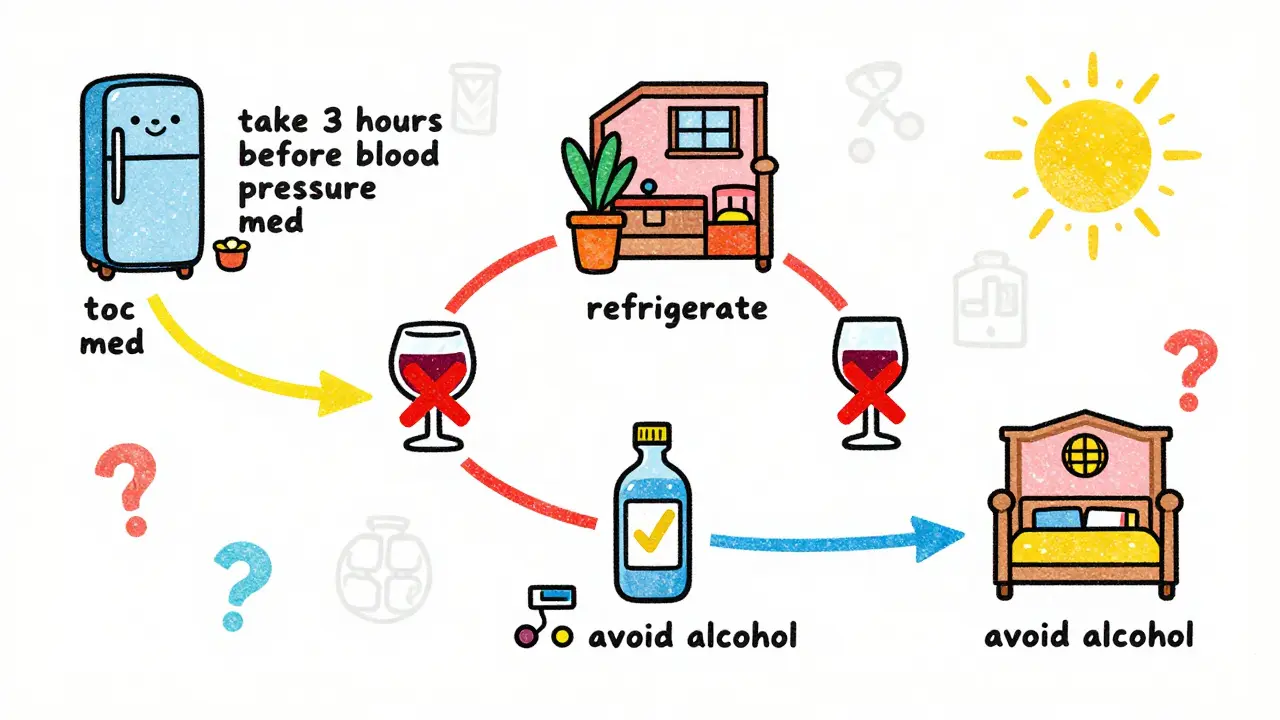
In 2023, the Centers for Medicare & Medicaid Services (CMS) made a rule: by 2026, every healthcare system serving Medicare patients must use reminder systems that accurately reflect prescription label information. That’s not a suggestion - it’s a requirement. Why? Because the data is clear. A 2023 JAMIA review found that systems using label data improved adherence by 23.7%. In some studies, adherence jumped to 82.4% among patients with chronic illnesses.And it’s not just about taking pills. It’s about staying out of the hospital. Poor medication adherence costs the U.S. healthcare system over $300 billion a year. But when reminders are accurate, fewer people end up in emergency rooms. Fewer people die.
What to Do If Your Label Is Confusing
Sometimes, labels aren’t clear. Phrases like ‘take as directed’ or ‘take 1-2 tablets’ are vague. A 2023 study found that 22.4% of generic drug labels use ambiguous language. If you’re unsure:- Call your pharmacy. Pharmacists are trained to interpret these.
- Ask your doctor for a written schedule - not just a verbal explanation.
- Take a photo of the label and send it to your pharmacist via a secure message system.
Don’t guess. Even if the label says ‘take once daily,’ if you’re also on blood thinners or have kidney issues, your doctor might need to adjust it. A Mayo Clinic study found that 18.7% of patients need schedules that differ from standard label instructions.
Final Tip: Don’t Trust Your Memory
Your brain remembers what you want to remember - not what you need to. You might think you know your schedule. But when you’re tired, stressed, or in a hurry, you’ll forget. A reminder that’s tied to your actual label - not just a time - is your best defense.Take 2 minutes today. Look at your next pill bottle. Read the label out loud. Then set a reminder that matches it exactly. Not ‘take at 8 AM.’ But ‘take one tablet with breakfast, do not take with calcium supplements.’ That’s the difference between hoping you get it right - and knowing you will.
Can I just use my phone’s alarm app to remind me to take my medicine?
You can, but it’s risky. Phone alarms only tell you when to take a pill - not how. If your label says ‘take with food’ or ‘take 2 hours before another medication,’ an alarm won’t remind you of those rules. Studies show that people using simple alarms have 63% more timing errors than those using apps that interpret label details. For safety, use an app or write down the full instructions next to your pillbox.
What if my prescription label uses unclear language like ‘take as needed’?
‘Take as needed’ is a red flag. It’s not a schedule - it’s a directive that requires clinical judgment. Contact your pharmacist or doctor to clarify: How often is ‘as needed’? Is there a maximum per day? Is it safe to take with your other meds? Never assume. Even if it’s a common drug like acetaminophen, overuse can damage your liver. Get clear instructions before setting any reminder.
Do I need to scan every new prescription?
Yes - every time. Even if you’ve taken the same drug before, the strength, instructions, or manufacturer might have changed. A 2024 study found that 15% of patients received a new version of a drug they’d taken for years, with different dosing rules. Always scan or re-enter the label for each new prescription. It takes 30 seconds and could prevent a serious mistake.
Can medication reminder apps help with drug interactions?
Yes - if they’re built to. Apps like Medisafe and MyTherapy connect to databases with over 500,000 drug interaction data points. If you enter your full list of medications, they’ll warn you if, say, your blood pressure pill and a common antacid can’t be taken together. They’ll even suggest spacing them 2 hours apart. But only apps that use label data can do this. Simple apps that only ask for names won’t catch interactions.
Is it worth paying for a premium medication reminder app?
Most of the best apps - including Medisafe and MyTherapy - are free. Premium versions may add features like family alerts or refill reminders, but the core label-reading function is free. Don’t pay for basic reminder features. Pay attention to whether the app scans labels, checks interactions, and allows manual entry of instructions. If it does, it’s worth using - even if it costs nothing.


Sabrina Sanches
This is so needed. I used to just set alarms for my meds and wonder why I felt weird sometimes. Turns out I was taking my blood pressure pill with my calcium supplement because I didn't read the label. Now I scan every bottle. Life-changing. Seriously, do it.